Practical software engineering guidance from Jeff Bailey on tools like jq, SSH, and Git, plus architecture diagrams, book summaries, and fundamentals.
What Is Graph Engineering?
Graph engineering designs an AI agent’s control flow as nodes, edges, and shared state, so loops become visible, pausable, resumable, and testable.
Learn Zsh: Globbing, Expansion, Completion, History, and a Command Reference
Learn zsh fast: glob qualifiers, parameter expansion, arrays, completion, history, options, key bindings, and .zshrc, plus a verified command reference.
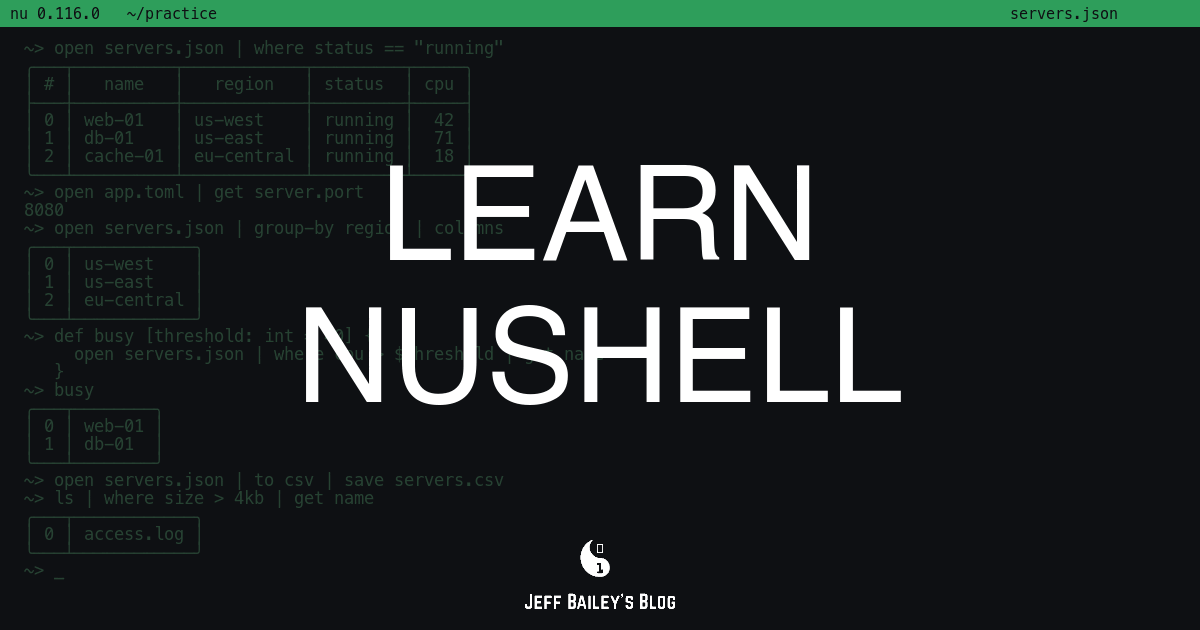
Learn Nushell: Tables, Pipelines, Data Files, and a Command Reference
Learn Nushell fast: tables and pipelines, JSON, CSV, and TOML files, records, lists, custom commands, and config, plus a searchable command reference.
What Are AI Evals?
AI evals explained: how datasets, graders, and scores tell you whether a language model feature works, and why vibe checks and benchmarks fall short.
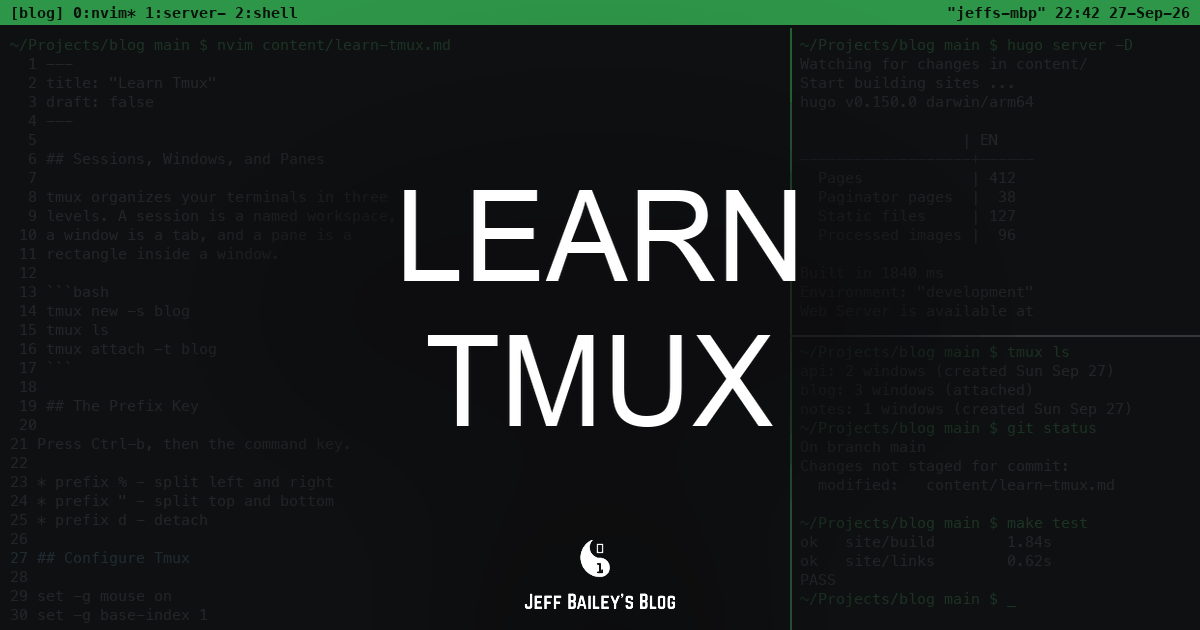
Learn Tmux: Sessions, Windows, Panes, and a Command Reference
Learn tmux fast: sessions, windows, panes, the prefix key, and .tmux.conf, plus a searchable command reference and curated videos, podcasts, and books.
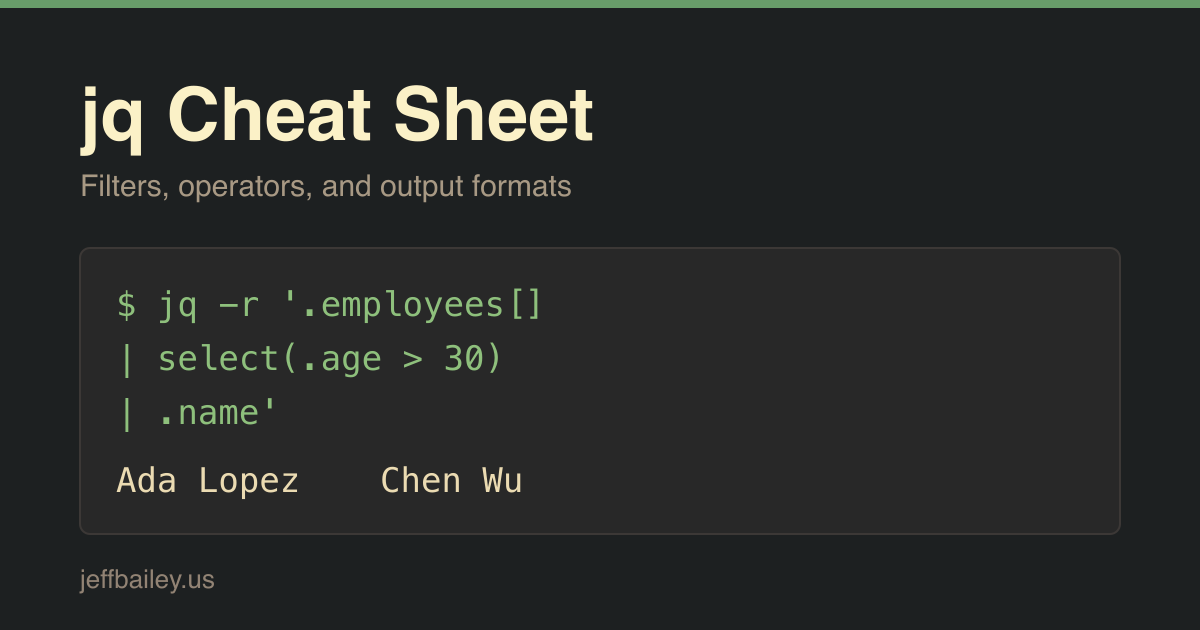
jq Cheat Sheet: Filters, Operators, and Output Formats
jq cheat sheet for the command line: selecting values, select filters, reshaping objects, arrays and math, string helpers, output flags, and error meanings.
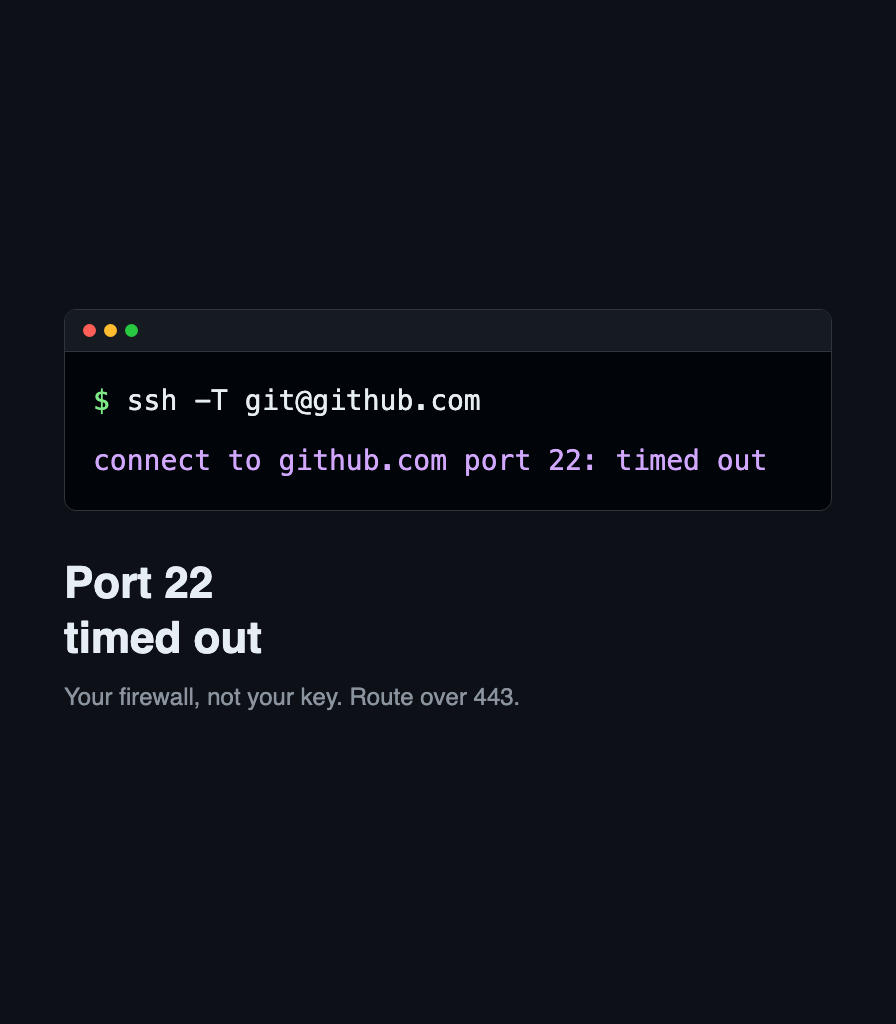
Fix: ssh: connect to host github.com port 22: Connection timed out
Your network blocks SSH on port 22, not your key. Route GitHub over ssh.github.com on port 443, make it permanent in ssh config, and verify with git.
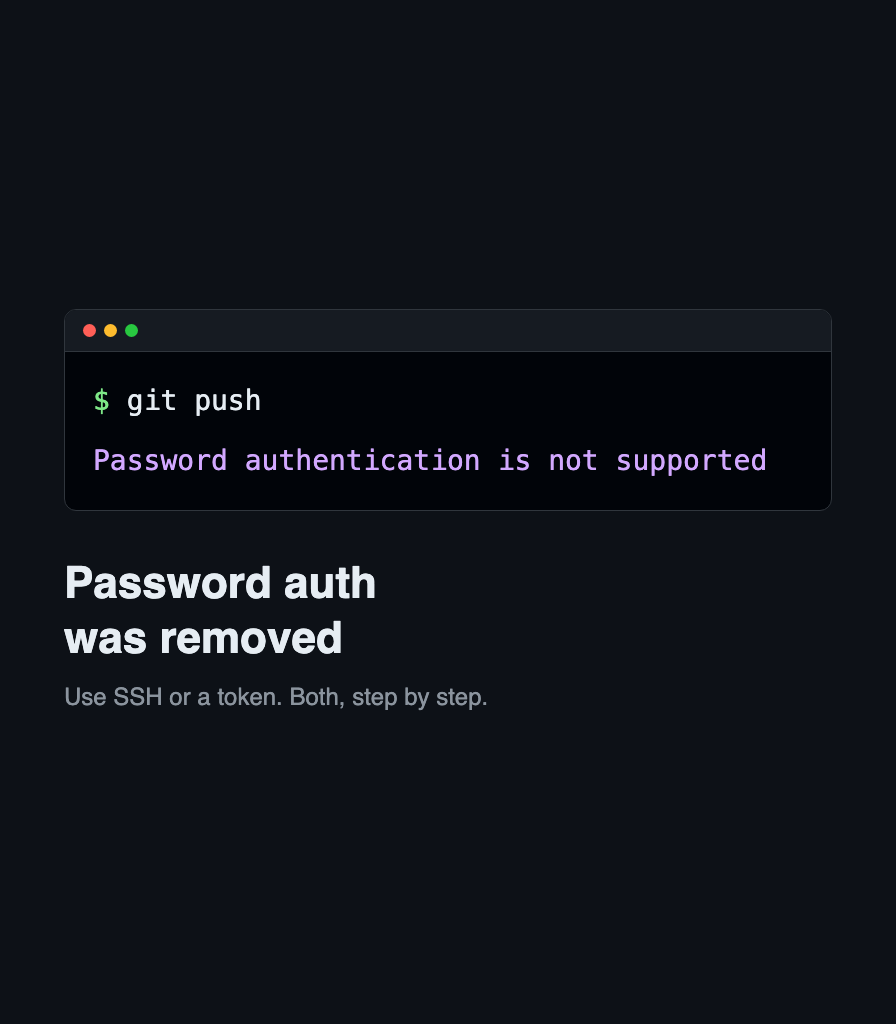
Fix: Support for Password Authentication Was Removed
GitHub rejects your Git password over HTTPS. Switch the remote to SSH, or create a personal access token and store it, so pushes stop asking.
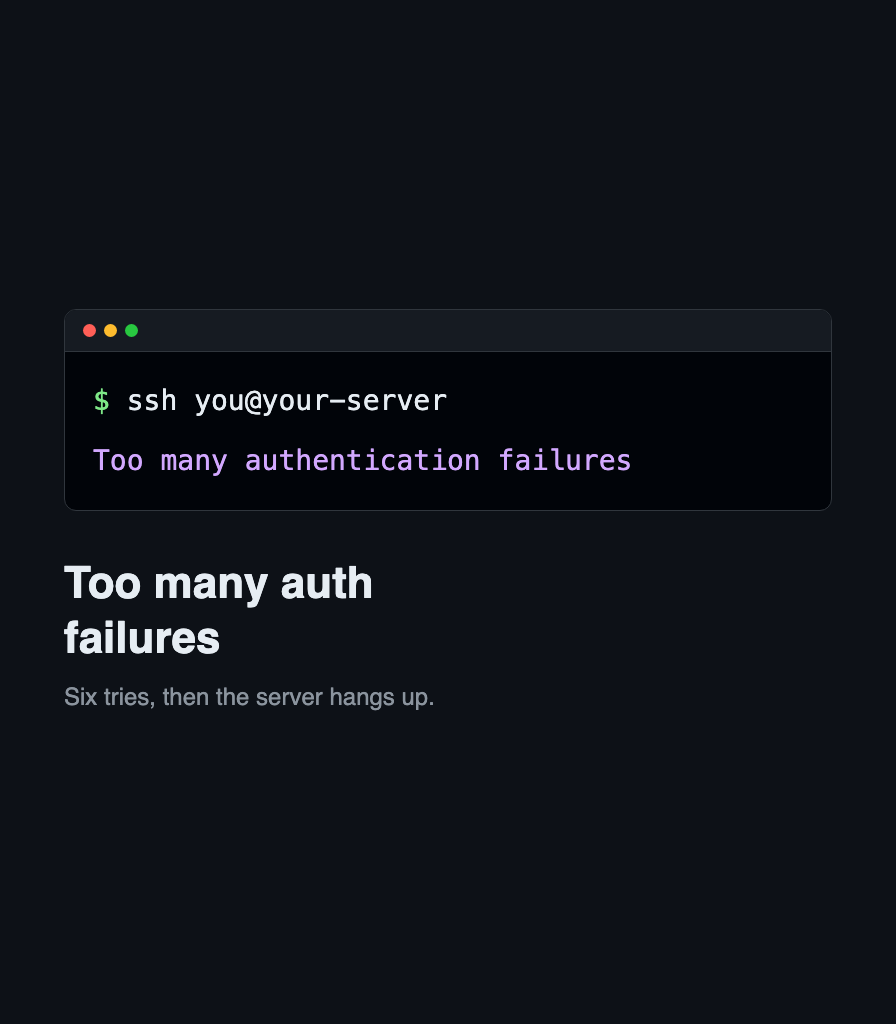
Fix: Too Many Authentication Failures
SSH offers every key you own and the server cuts you off after six. Pin one key with IdentitiesOnly, and learn why GitHub gives a different error.
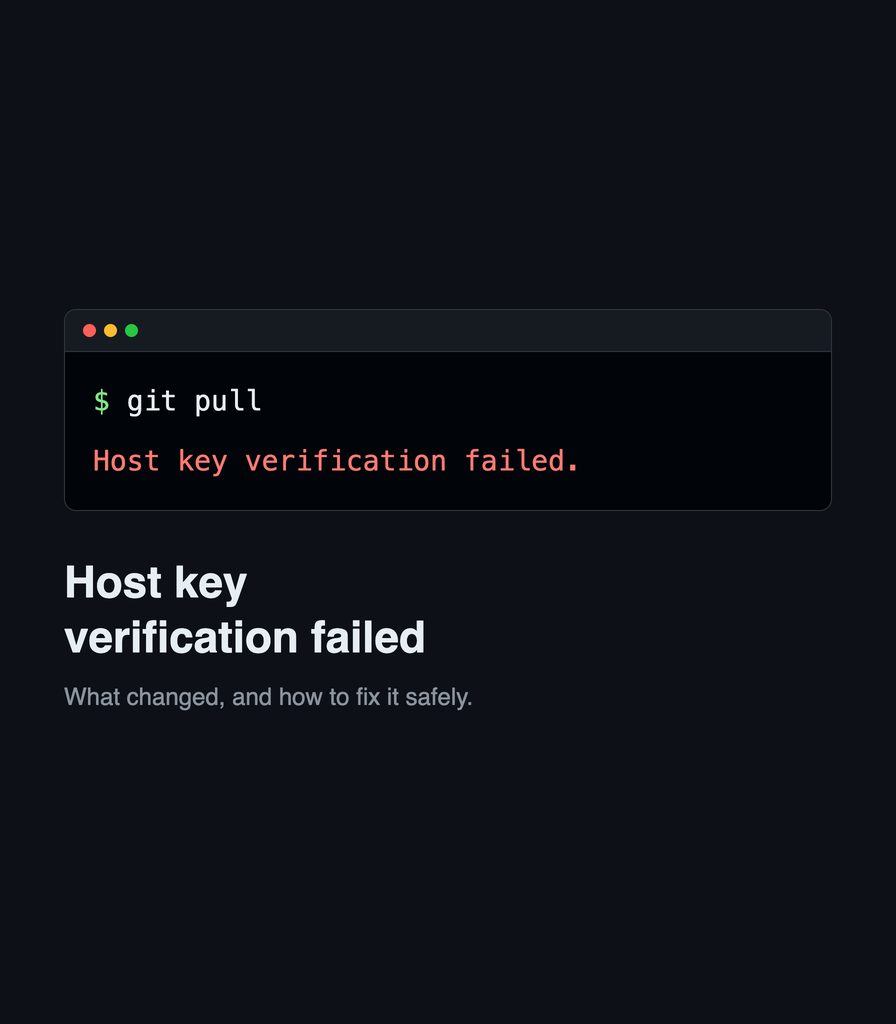
Fix: Host Key Verification Failed
SSH stops with “Host key verification failed.” Read the warning correctly, decide whether the key really changed, and fix it without disabling checking.