Fix: ssh: connect to host github.com port 22: Connection timed out
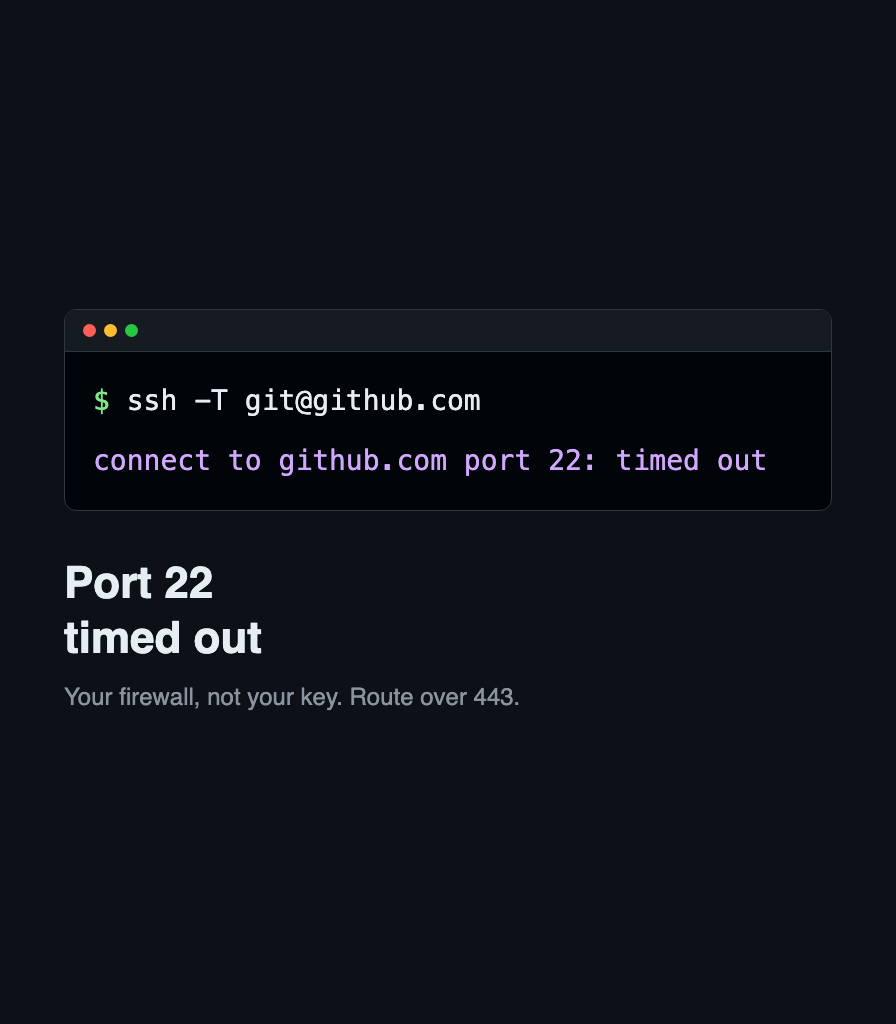
Your network blocks SSH on port 22, not your key. Route GitHub over ssh.github.com on port 443, make it permanent in ssh config, and verify with git.

Your network blocks SSH on port 22, not your key. Route GitHub over ssh.github.com on port 443, make it permanent in ssh config, and verify with git.
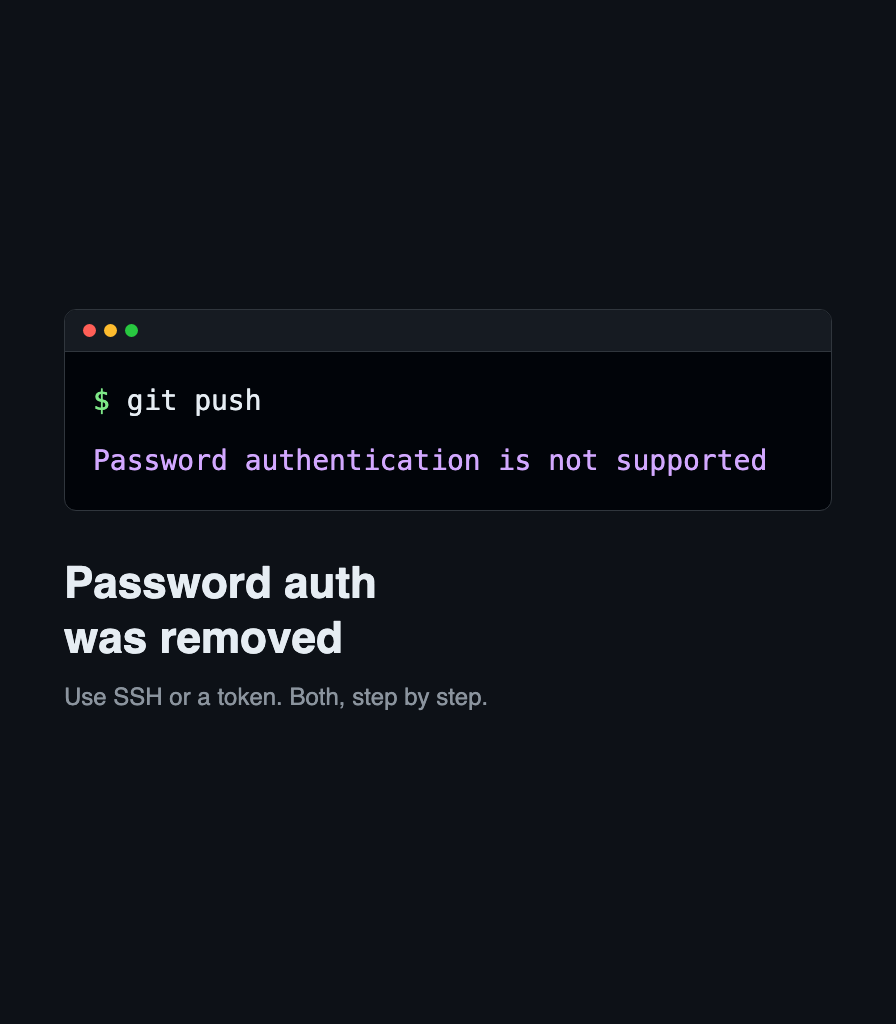
GitHub rejects your Git password over HTTPS. Switch the remote to SSH, or create a personal access token and store it, so pushes stop asking.
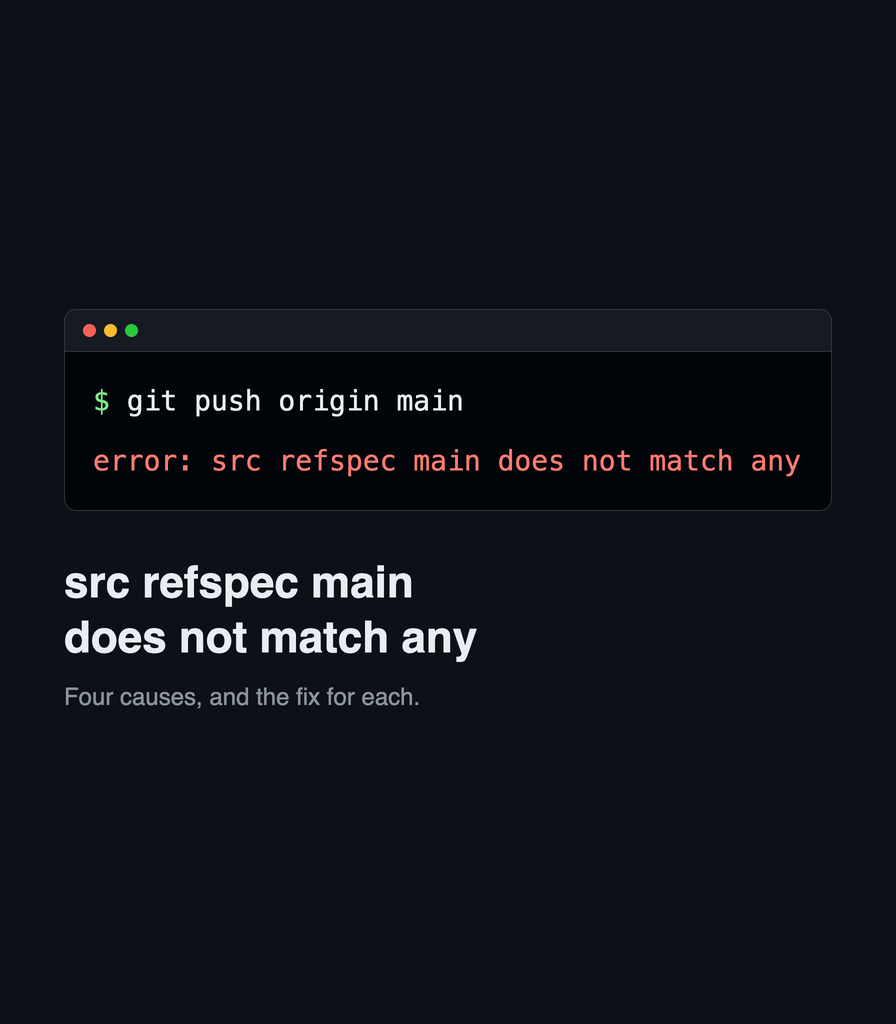
Git rejects the push with "src refspec main does not match any". Four causes: no commit yet, a different branch name, a typo, and nothing committed.

GitHub Private Mirrors let organizations contribute upstream without exposing drafts. What they are, why they exist, and how the GitHub Private Mirrors App works.

Learn how conventional commits can transform your Git workflow from chaotic to organized, making your project history readable and your releases automated.

GitHub rejects the push because your commit email is private. Set the GitHub noreply address, repair the commits you already made, and push again.

Learn how to manage multiple GitHub accounts on one computer using SSH keys. Includes step-by-step instructions, shell functions, and best practices for macOS.

Learn GitHub to supercharge your development process. GitHub is the premier code management tool, and it keeps getting better.