Fix: ssh: connect to host github.com port 22: Connection timed out
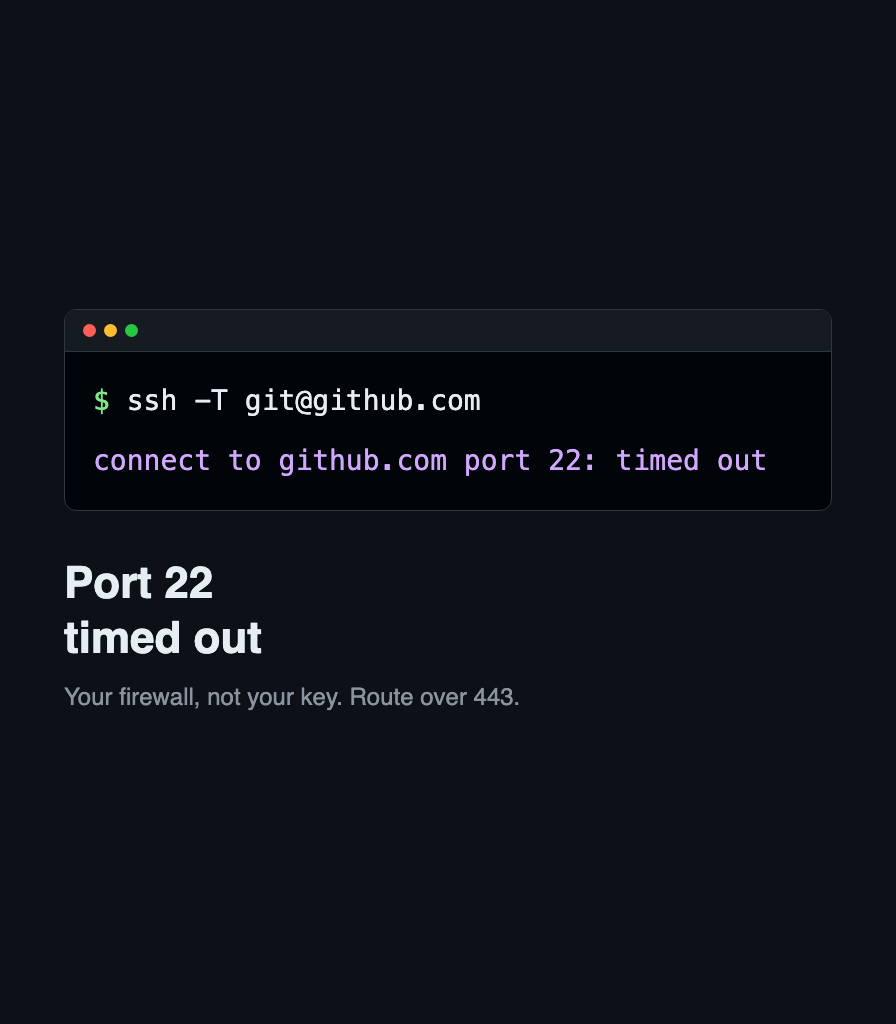
Your network blocks SSH on port 22, not your key. Route GitHub over ssh.github.com on port 443, make it permanent in ssh config, and verify with git.

Your network blocks SSH on port 22, not your key. Route GitHub over ssh.github.com on port 443, make it permanent in ssh config, and verify with git.

Networking fundamentals for developers: packets, IP addressing, routing, TCP and UDP, DNS, TLS, and a practical troubleshooting mental model.