Fix: ssh: connect to host github.com port 22: Connection timed out
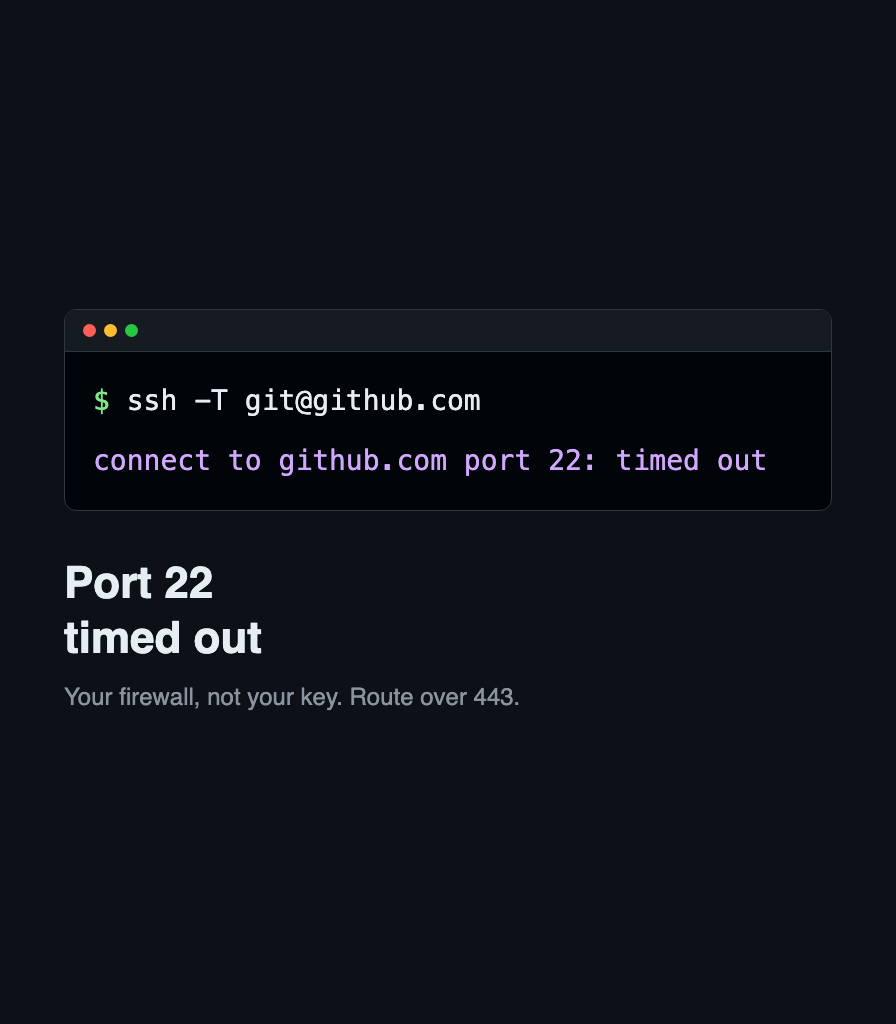
Your network blocks SSH on port 22, not your key. Route GitHub over ssh.github.com on port 443, make it permanent in ssh config, and verify with git.

Your network blocks SSH on port 22, not your key. Route GitHub over ssh.github.com on port 443, make it permanent in ssh config, and verify with git.
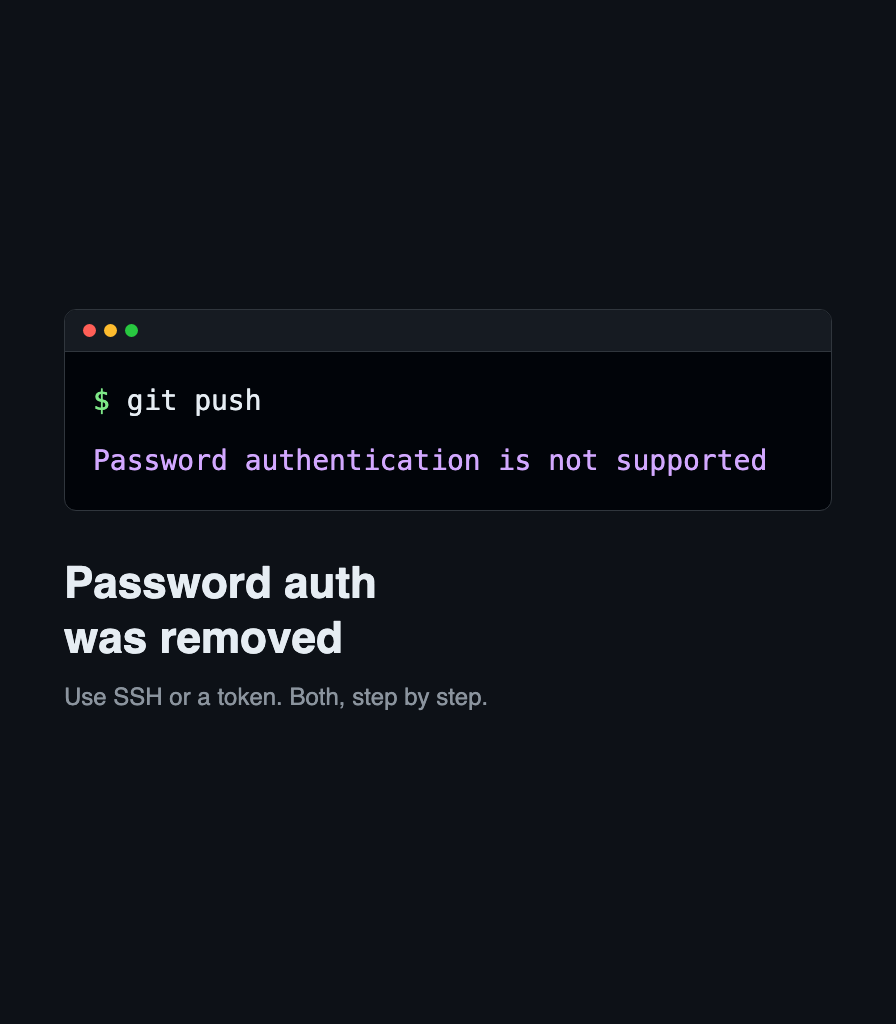
GitHub rejects your Git password over HTTPS. Switch the remote to SSH, or create a personal access token and store it, so pushes stop asking.

SSH offers every key you own and the server cuts you off after six. Pin one key with IdentitiesOnly, and learn why GitHub gives a different error.

Software debugging fundamentals for developers: mental models, evidence-driven workflows, observability signals, and practical techniques for finding root causes fast.

GitHub rejects the push because your commit email is private. Set the GitHub noreply address, repair the commits you already made, and push again.